Breaking the data trail by disabling your AI conversation logs
Updated| July 13, 2026
Leaving your AI history toggled on creates massive security and data leakage risks. Discover the operational benefits of running a history-free workflow on Eye2.AI.
TL;DR: When you leave your AI chat history turned on, your daily queries accumulate into a permanent, highly detailed digital footprint on external cloud servers.
Table of Contents
The data liability trap: What stays behind when your history sidebar fills up Comparison Chart: Logged conversation sidebars vs transient zero-retention sessions Breaking the memory loop to prevent context contamination How Eye2.AI delivers complete data isolation without forcing account registration Frequently asked questions
The data liability trap: What stays behind when your history sidebar fills up
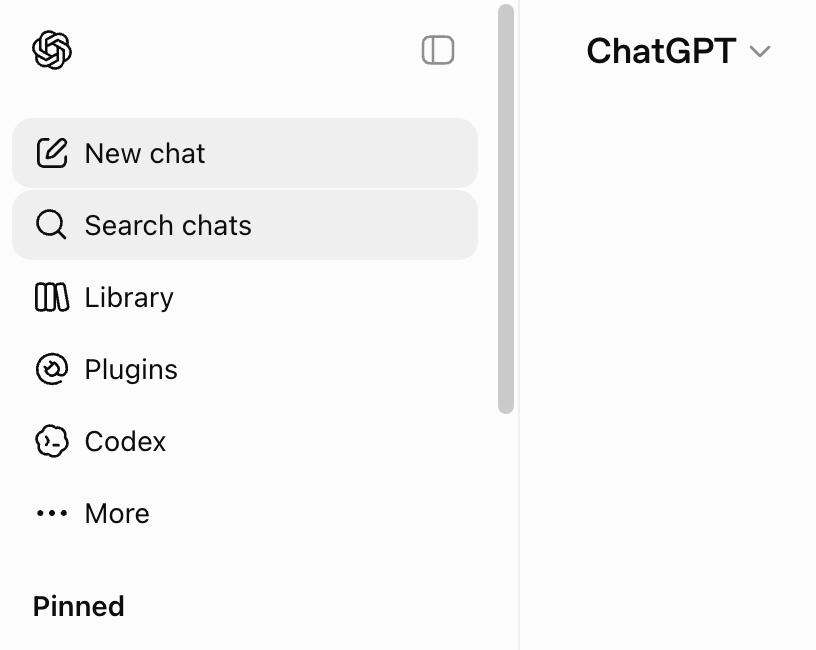
Most people view the left-hand sidebar of an AI application as a helpful shortcut to reopen old projects.
The training data loop: By default, standard consumer AI accounts use your saved chat logs to train their future model iterations.
If you paste code blocks, draft legal text, or private health details into a saved chat, that information can accidentally be woven into the public network's future memory bank. The structural data leak threat: If your personal browser account, device, or API credentials are ever compromised, an attacker gains instant, clear-text access to every single question, file upload, and strategy outline you have generated over the past year.
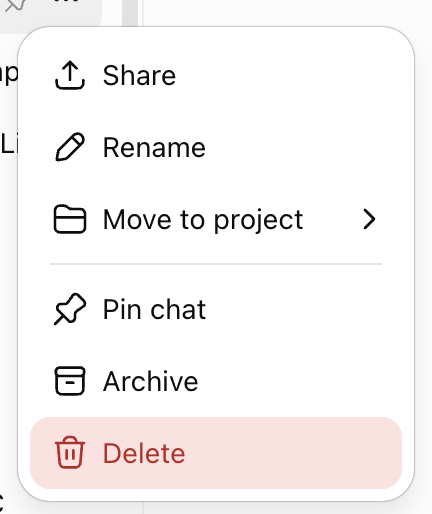
The permanent backend copy: Even if you manually click "delete" on a chat box, the underlying text often lingers in multi-availability cloud server backups and internal debugging logs for 30 days or longer before it is fully erased from existence.
Comparison Chart: Logged conversation sidebars vs transient zero-retention sessions
Choosing between maintaining a visible text archive and running an entirely history-free terminal radically changes your digital privacy posture:
| Structural Dynamic | Chats with Saved History | History Disabled / Zero Retention |
| Data Training Risk | High: Prompts are regularly scraped to train future algorithms. | None: Content is blocked from entering the system training loop. |
| Attack Surface | Durable records sit indefinitely on external cloud servers. | Transcripts disappear completely the moment you reset the session. |
| Context Leaks | Old conversations can bleed down into fresh questions. | Each new question starts with a completely blank memory sheet. |
| Legal Discovery | Creates a discoverable trail for audits or data requests. | Leaves no footprint behind to trace or recover later. |
Breaking the memory loop to prevent context contamination
Beyond the obvious security advantages, working with an AI engine that has no saved history drastically improves the logical accuracy of your output.
Saved History:   [Old Topic Context] + [Fresh Question Input] ----> [Skewed, Confused Response]
No Chat History: [Blank Slate Window] + [Fresh Question Input] ----> [Clean, Highly Accurate Output]
As modeled above, when a chatbot keeps a running record of an ongoing session, it actively carries forward prior context tokens. If you pivot to a brand-new task within that same chat window, the system frequently suffers from semantic bleed. It cross-contaminates your new task with old logic rules, past code formats, or previous data tables. Turning history completely off breaks this memory loop.
How Eye2.AI delivers complete data isolation without forcing account registration
Trying to secure your data by digging into the settings menus of five separate chatbot apps to toggle off training preferences is a tedious task.
Because the system works over secure, enterprise-level API tunnels, your text inputs are blocked from model training datasets right from the start.
You simply input your prompt once, let 12+ leading AI models run the challenge side-by-side, check the data correlation using the Shared Results, and close the browser window. The very second the tab is shut, your processing trail vanishes completely from the interface, giving professionals the ultimate private environment to test code, refine strategies, and handle data without creating a paper trail.
FAQs
1. Does using standard browser incognito mode hide my chats from the AI provider?
No.
2. Are my documents and file uploads safer when chat history is disabled?
Yes.
3. How do I test a history-free session on Eye2.AI?
Open the main dashboard, drop your technical text or query directly into the search bar, and let the parallel engines run your request. Once you have your data, close the site—your data instantly clears out with zero permanent trails left behind.
By using Eye2.ai, you agree to the Terms and Privacy Policy. Outputs may contain errors.
Download the Eye2.ai app on: